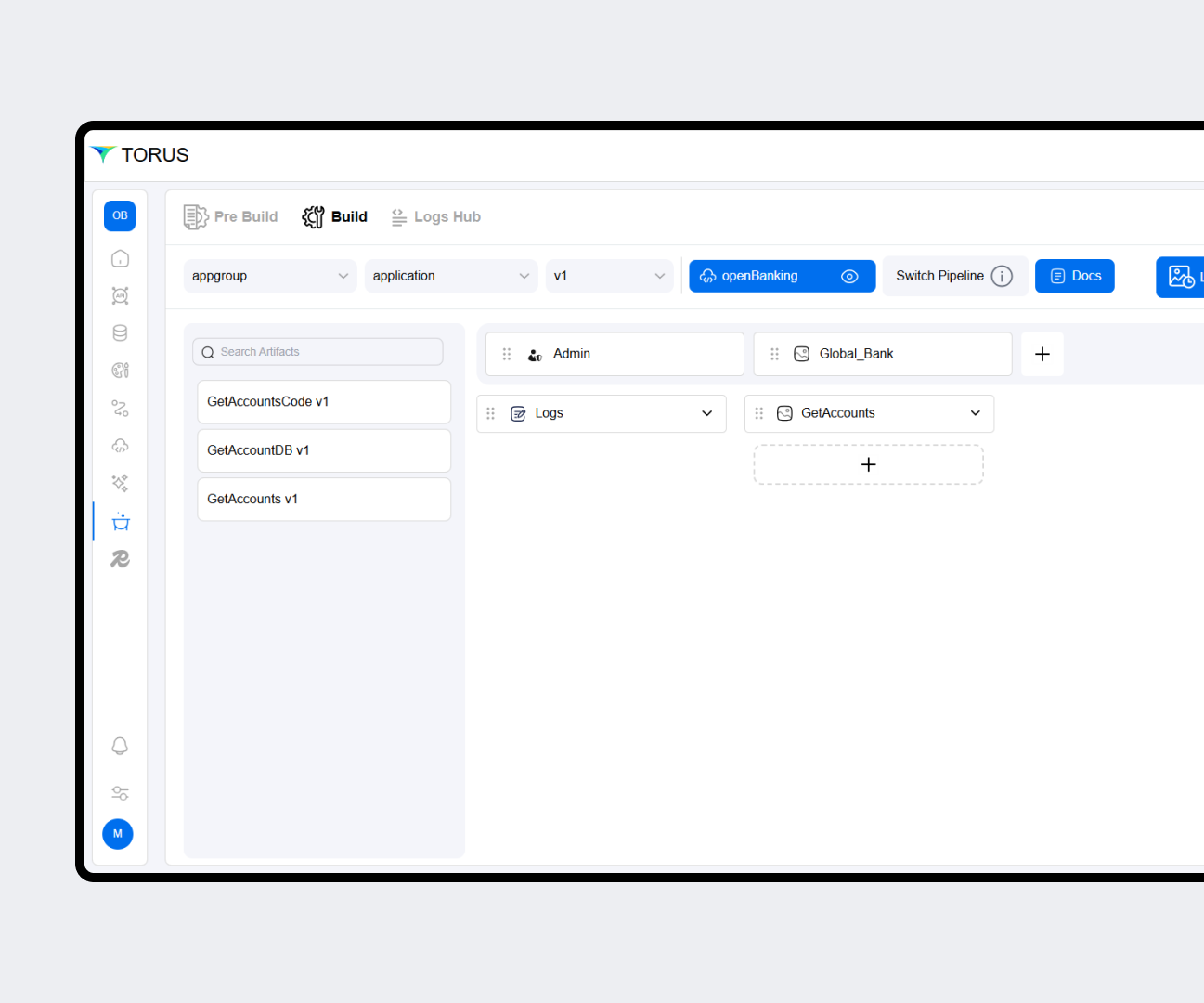
Experience the speed and strength of lowcode tool
Architect Faster. Deploy Smarter.
Torus enables Developers to build using a simple Drag & Drop Editor delivering an API First, In-Memory, Event Driven, Microservices Architecture that can be deployed on any On-Prem, Cloud Agnostic, Hybrid environment in a click of a button.

API FABRIC
API Fabric enables the developer to generate APIs that can be exposed and define APIs that can be consumed, ensuring our application is truly API First.
Generate & Host APIs
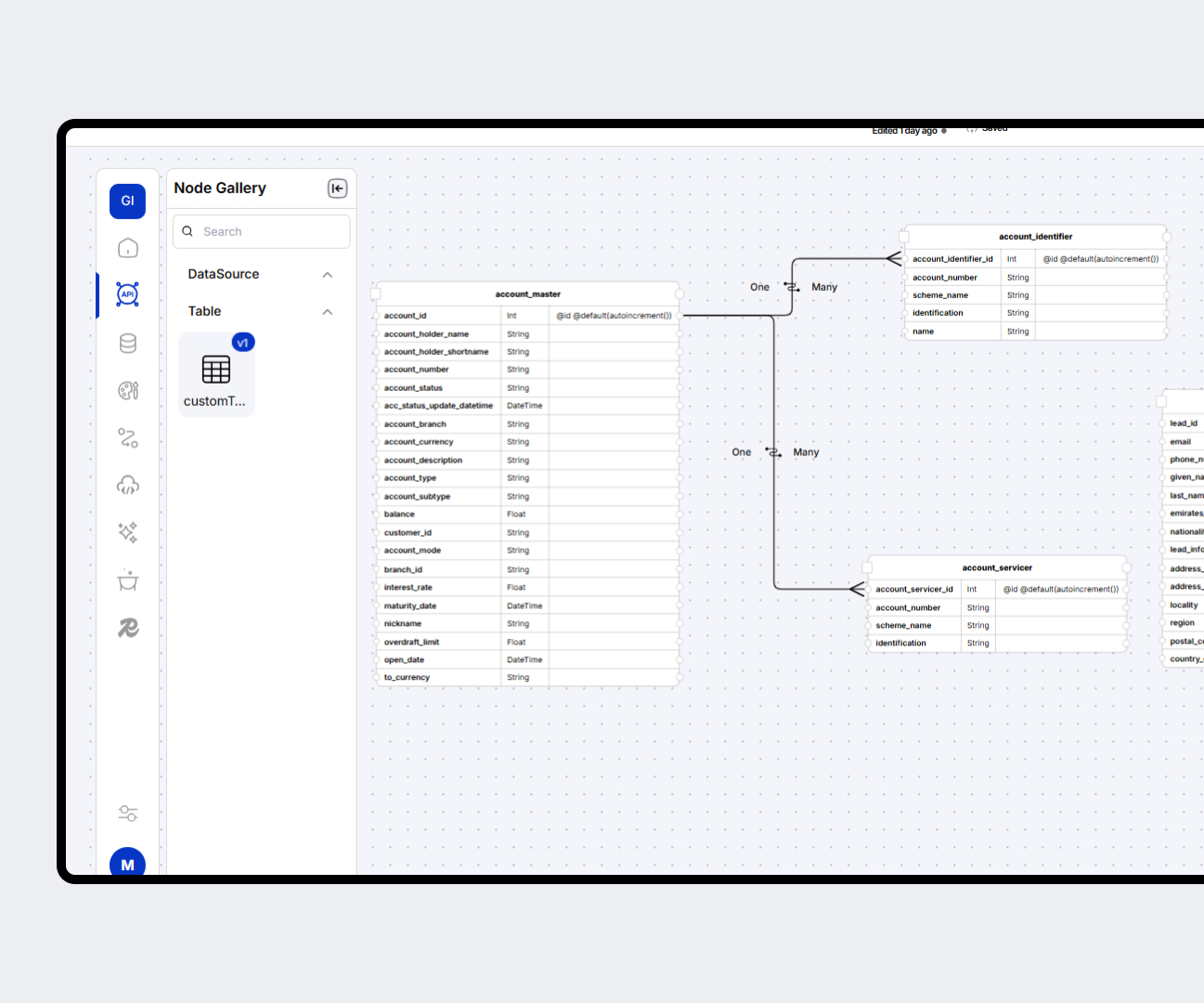
Host APIs through Automated Generation of code by mapping Data Source & YAML/JSON structure.
Effortless API Consumption
Generate and consume APIs for all contextual scenarios — External and Internal. The platform also auto-generates Swagger documentation.
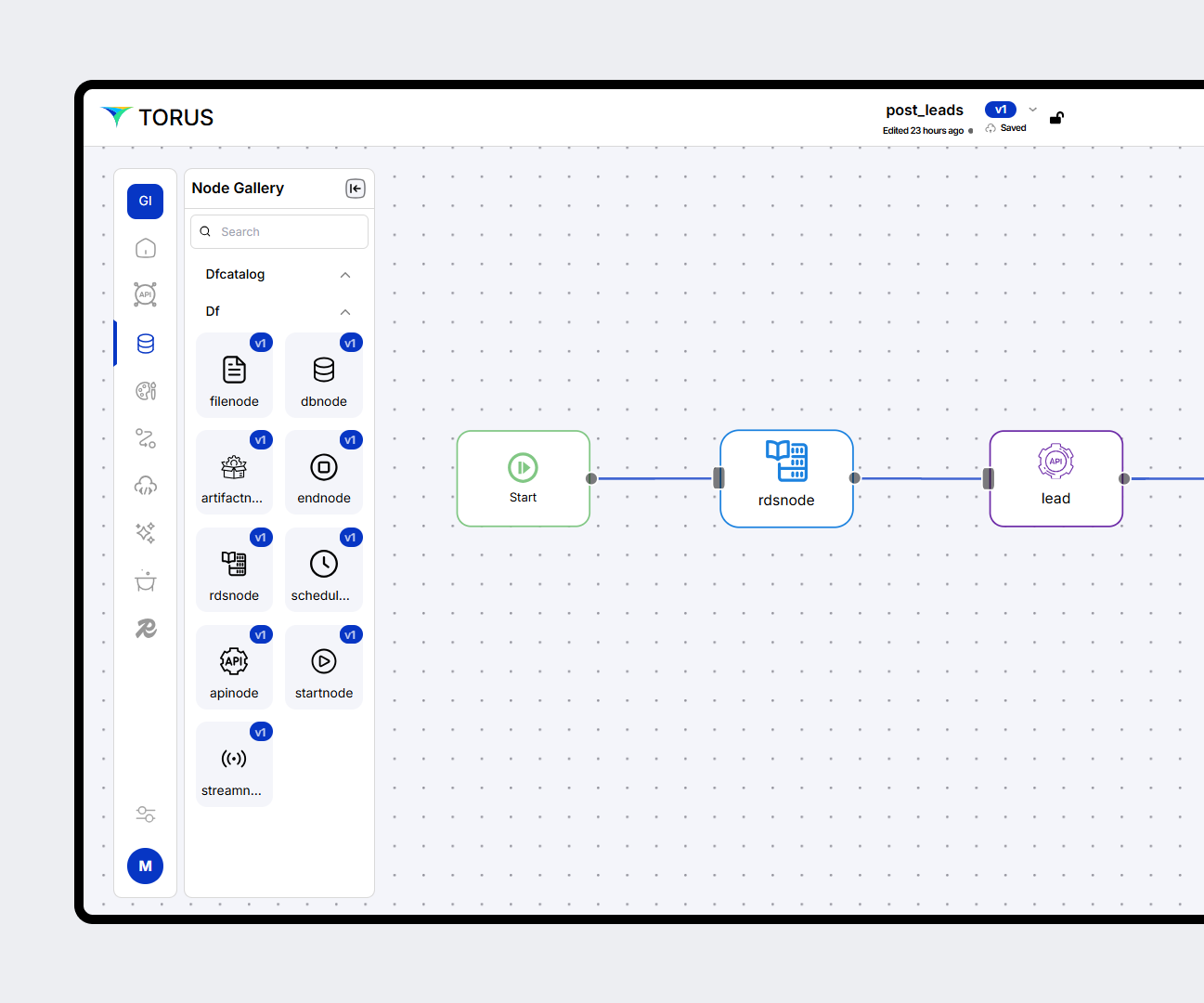
Upload & Validate with Swaggers
Upload Swagger files, and the platform automatically generates APIs with validations and exception handling.
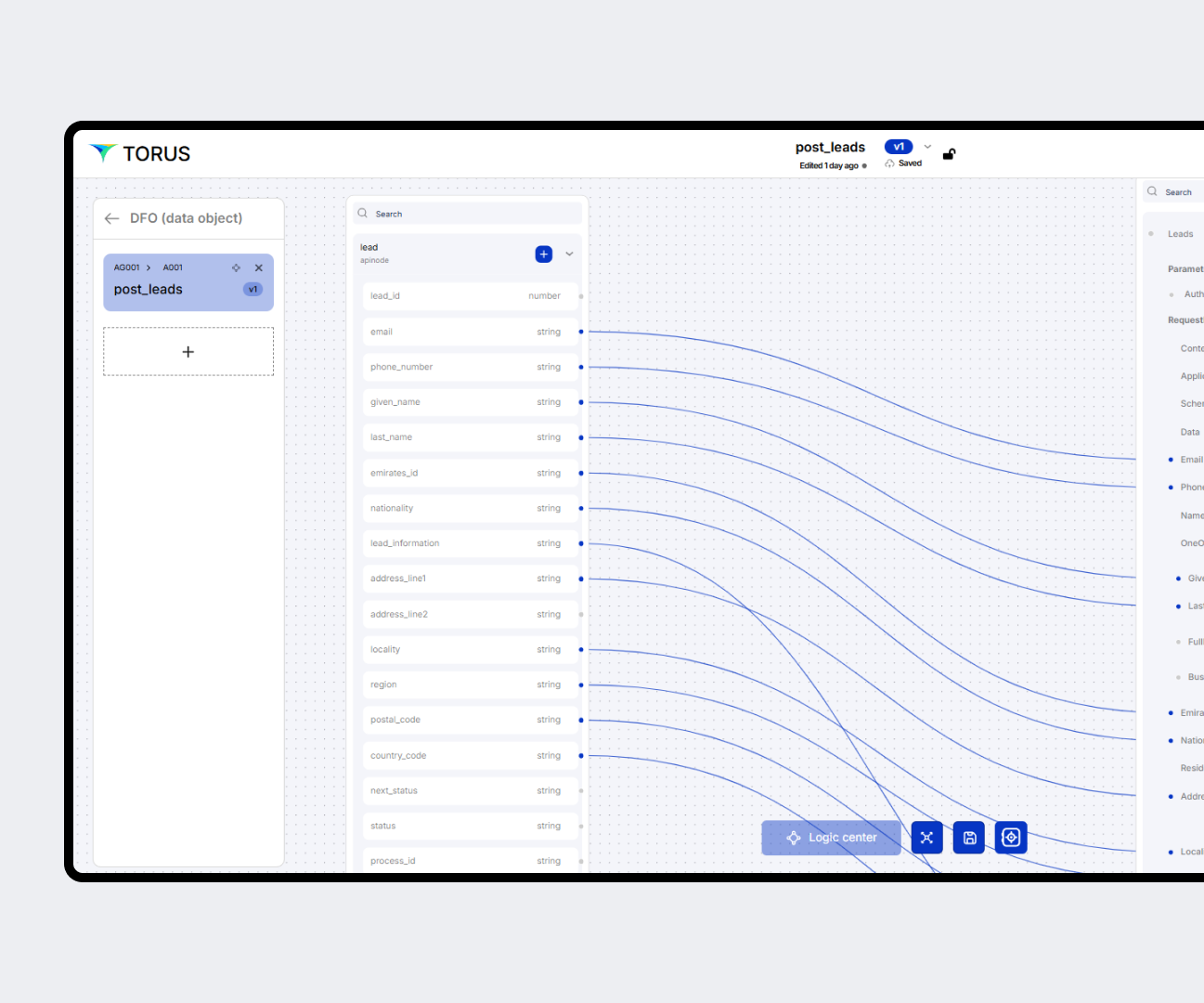
Effortless API Testing
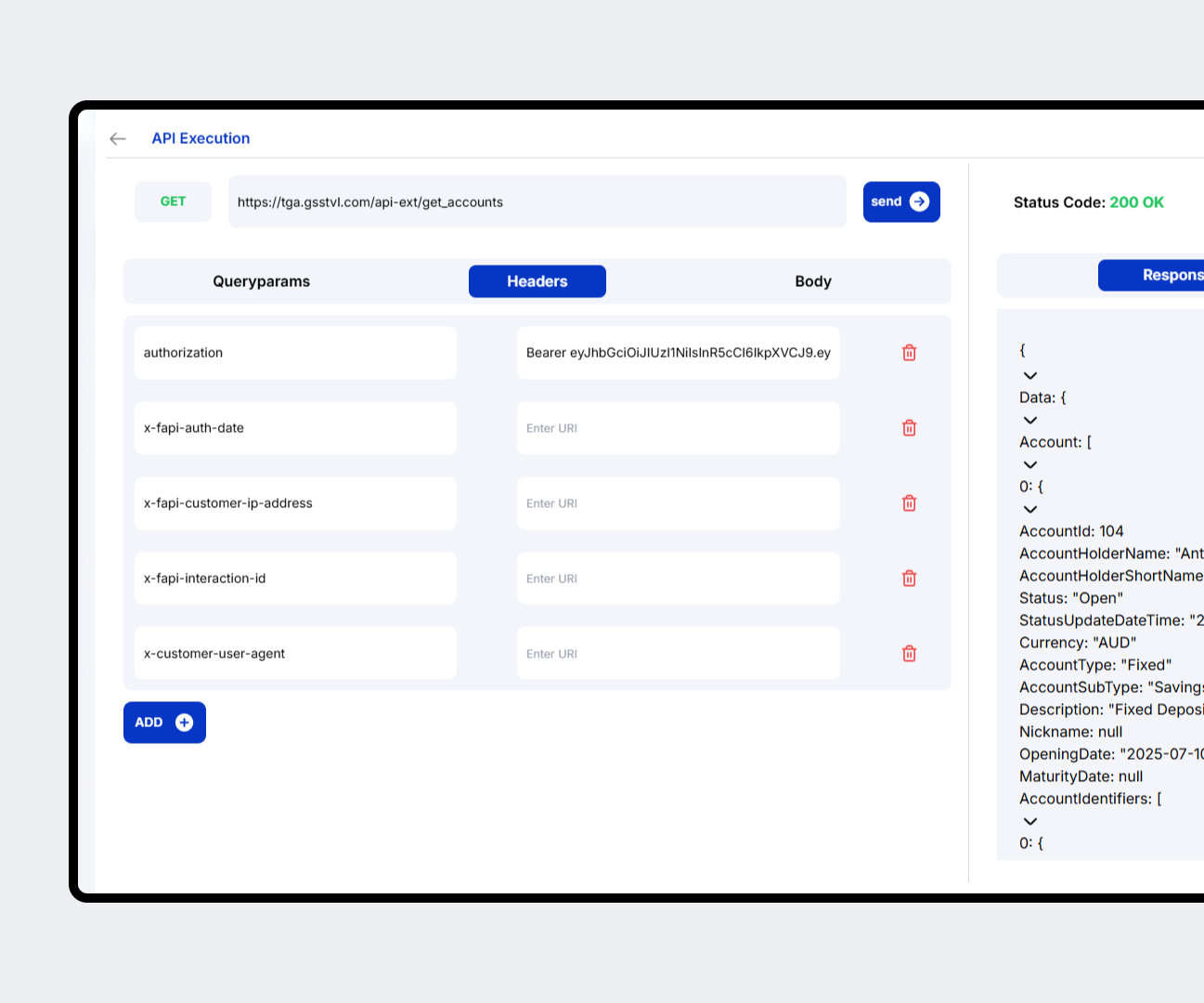
The inbuilt Postman-like interface auto-fills all headers and body parameters, letting users test endpoints easily.
DATA FABRIC
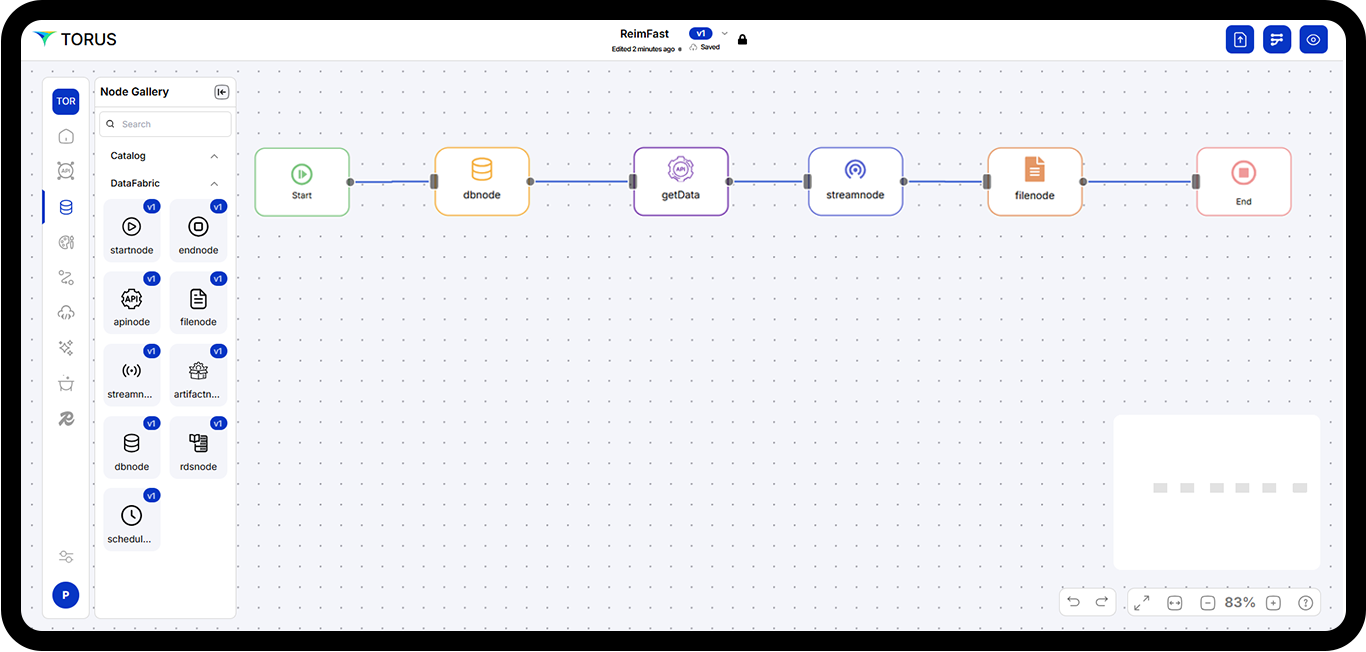
Data Fabric enables the developer to create 'Ready to Use' Data Sets where Data can be pulled from Traditional RDBMS, Document DB, Stream Source, API and File Systems.
Create In Memory Data Sets
Considering an InMemory approach - creating a Dataset from different sources allows this data to be loaded in memory and enable core processing from there.
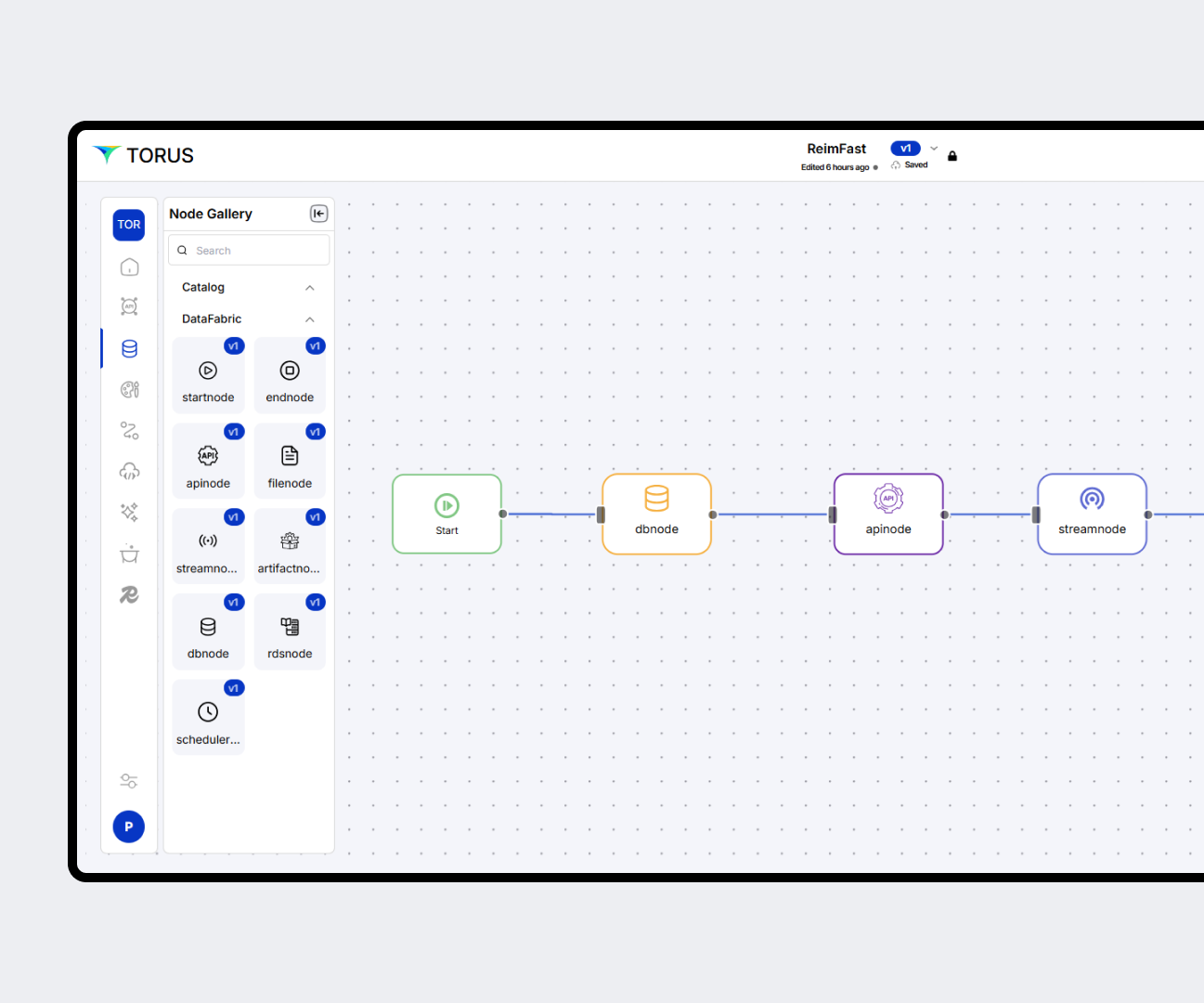
Data Orchestration
Considering an InMemory approach - creating a Dataset from different sources allows this data to be loaded in memory and enable core processing from there.
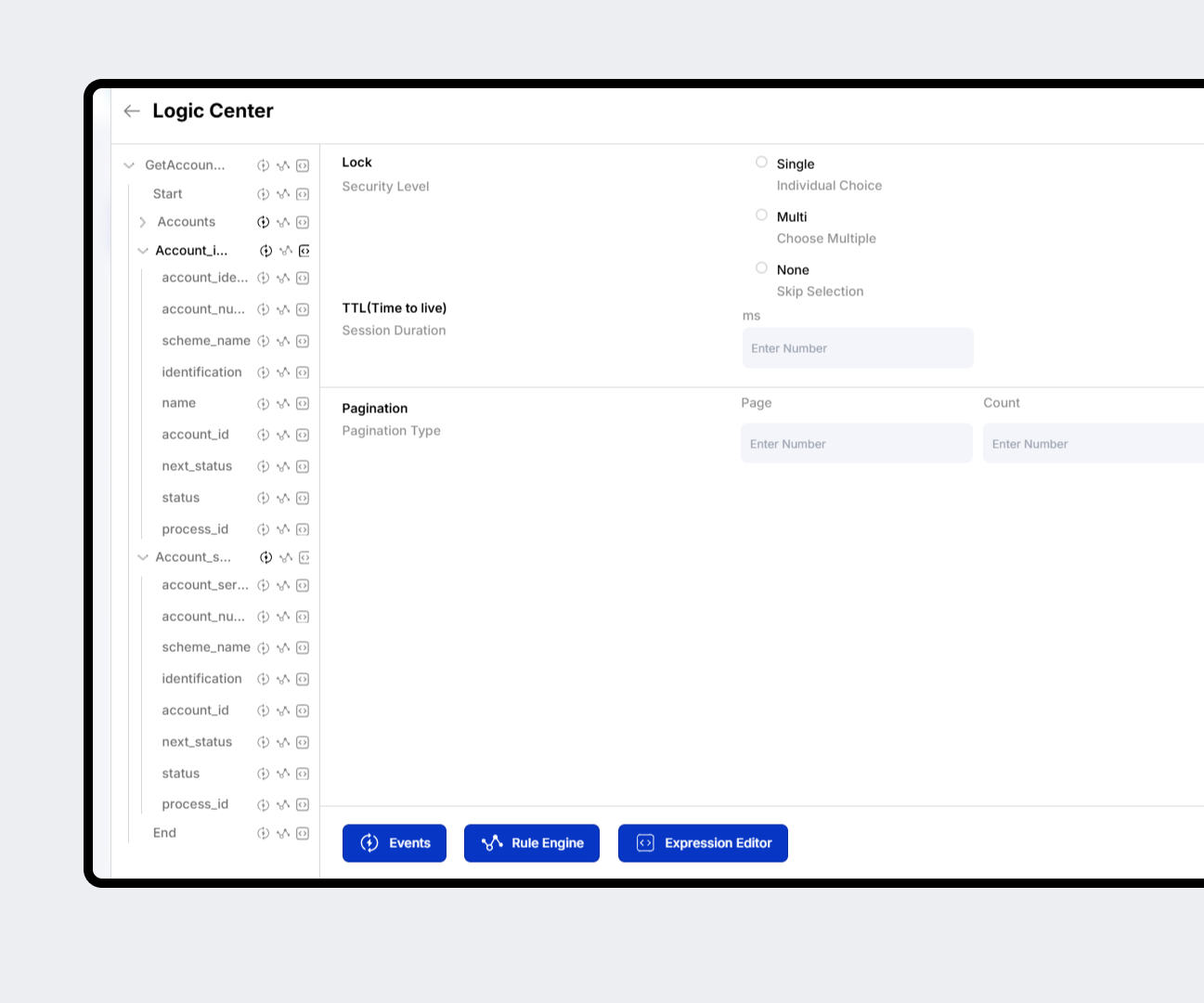
Define Processing Conditions
Have ultimate command over when and how data must be available in any context in your business application. Just in time creation of data sets is possible with conditions and rules in Torus.
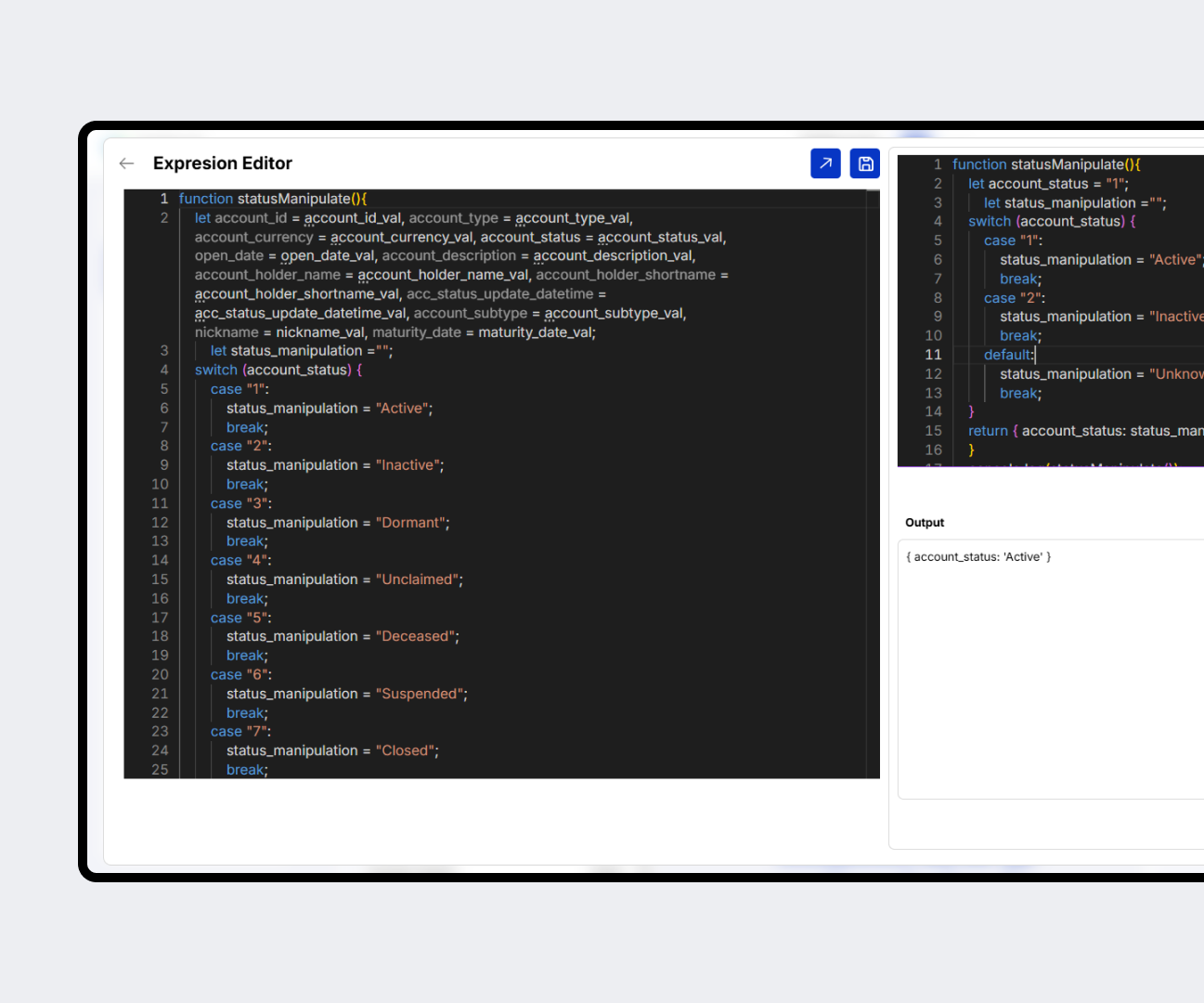
UI FABRIC
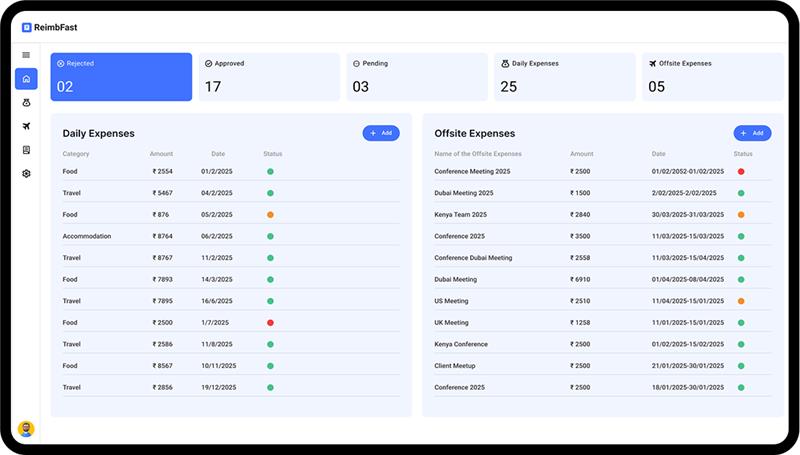
UI Fabric enables developers to quickly build beautiful web and mobile UIs using an easy grid layout and a versioned prebuilt component library, ensuring high-quality front-end experiences for end users.
Responsive UI Components
Drag and Drop Nodes representing Beautiful Responsive Web UI components
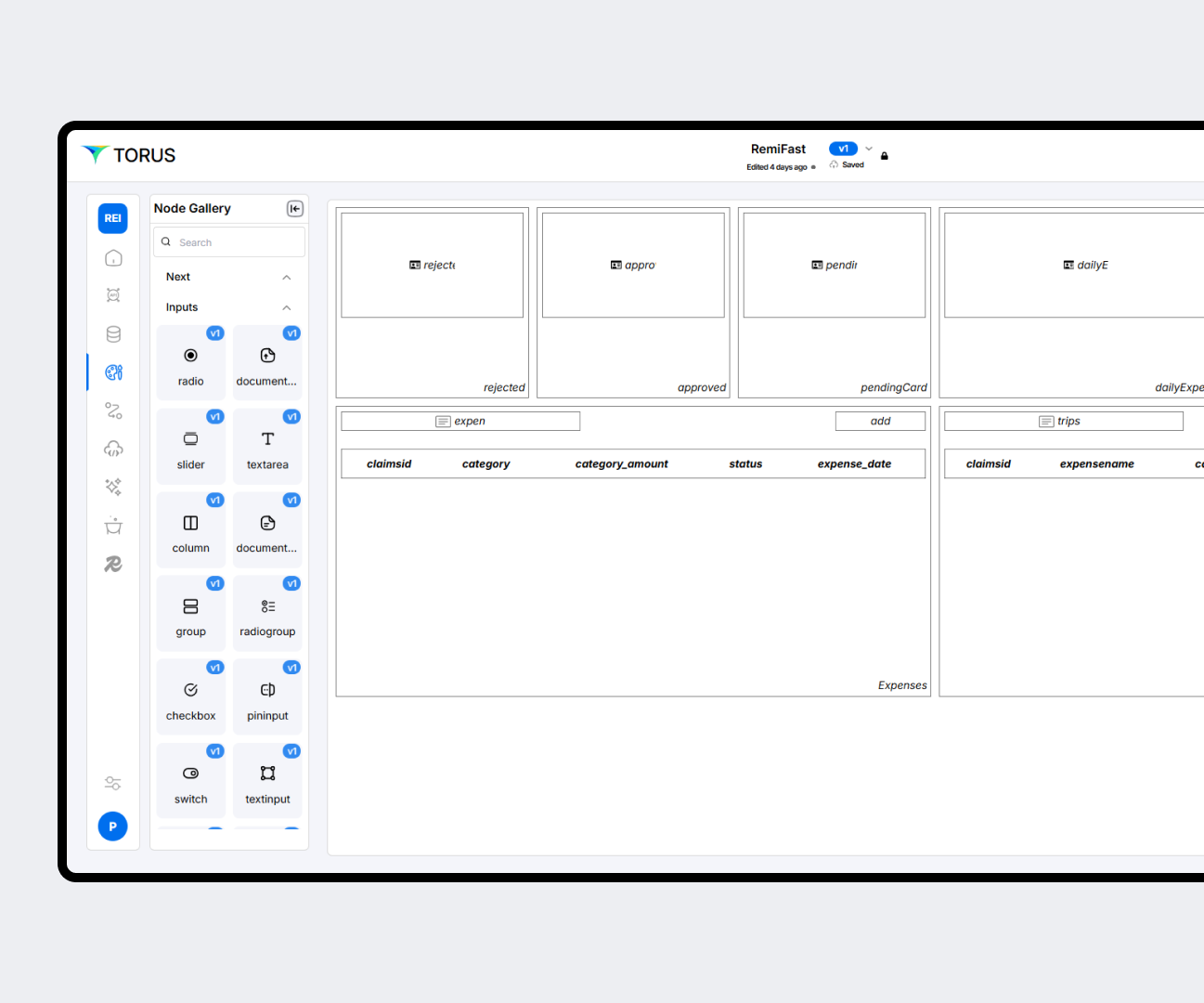
Cross Platform Mobile component
Enjoy dedicated Cross Platform Mobile Components that generate Flutter Code
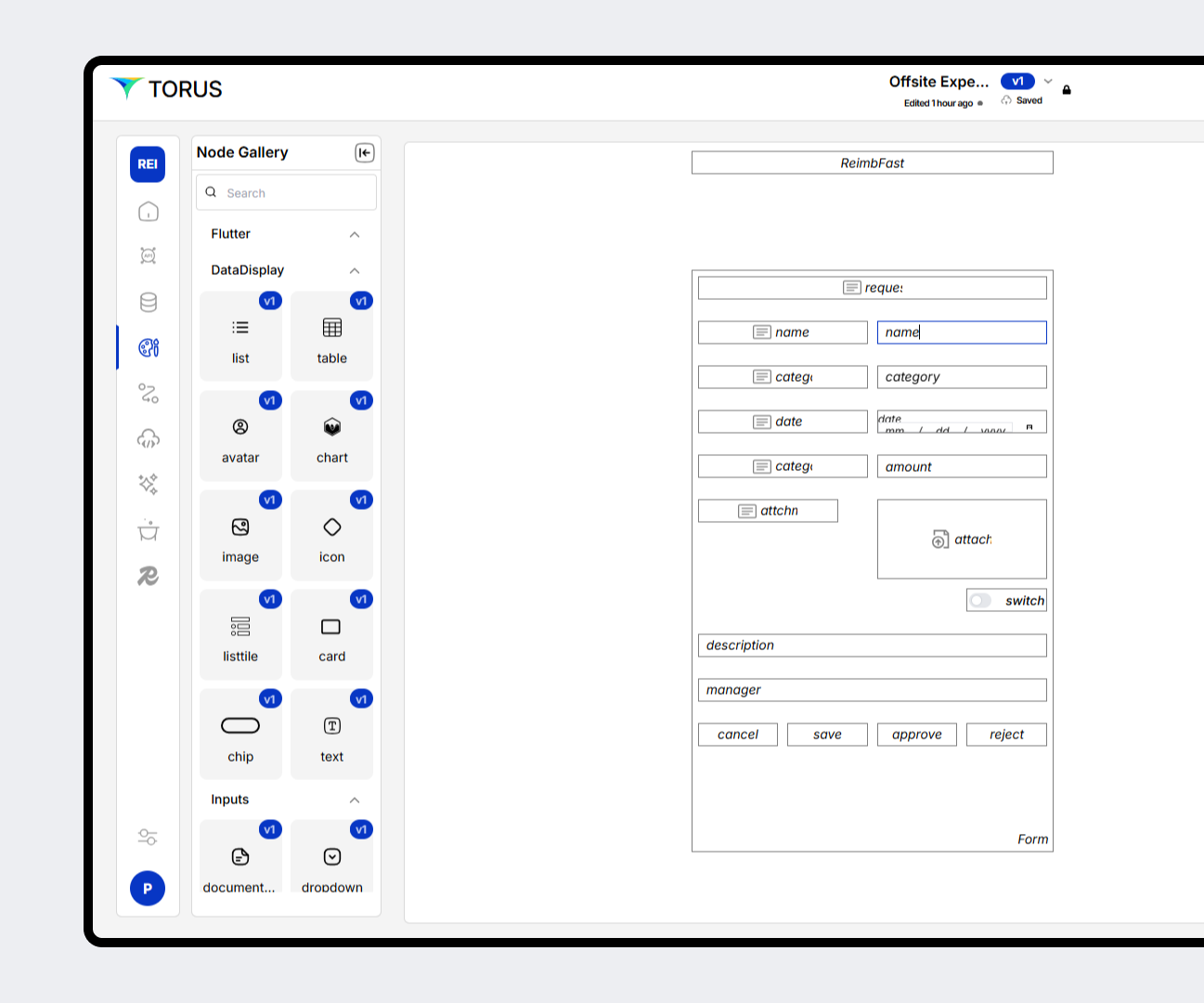
Universal Business Process for multiple UI
Use Common Business Process Flows and Processes for dedicate Web and Mobile UI
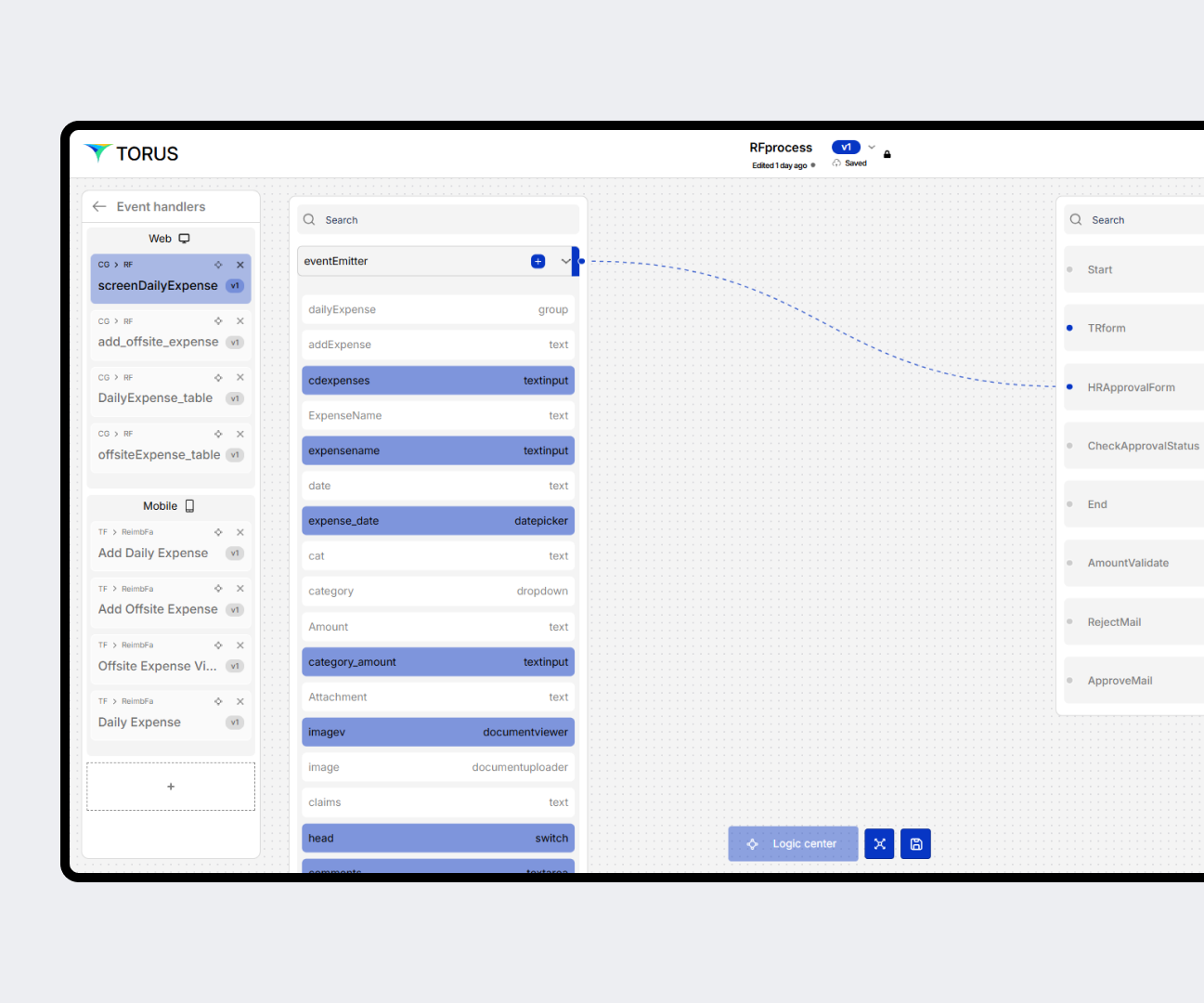
Intuitive Design
Intuitive Easy to learn Drag and Drop – Grid Layout Design that follows Event driven way with all components being reusable
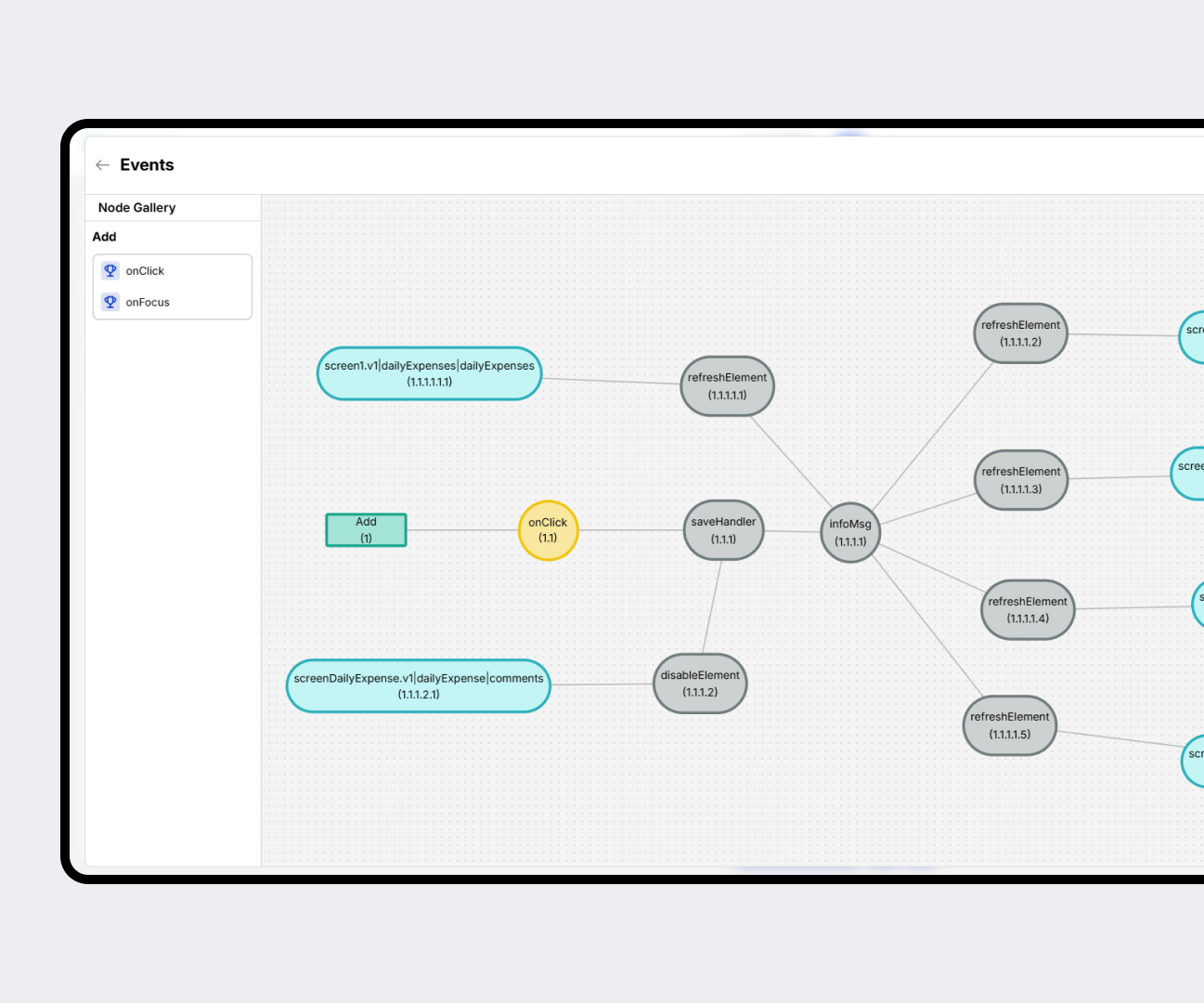
PROCESS FABRIC
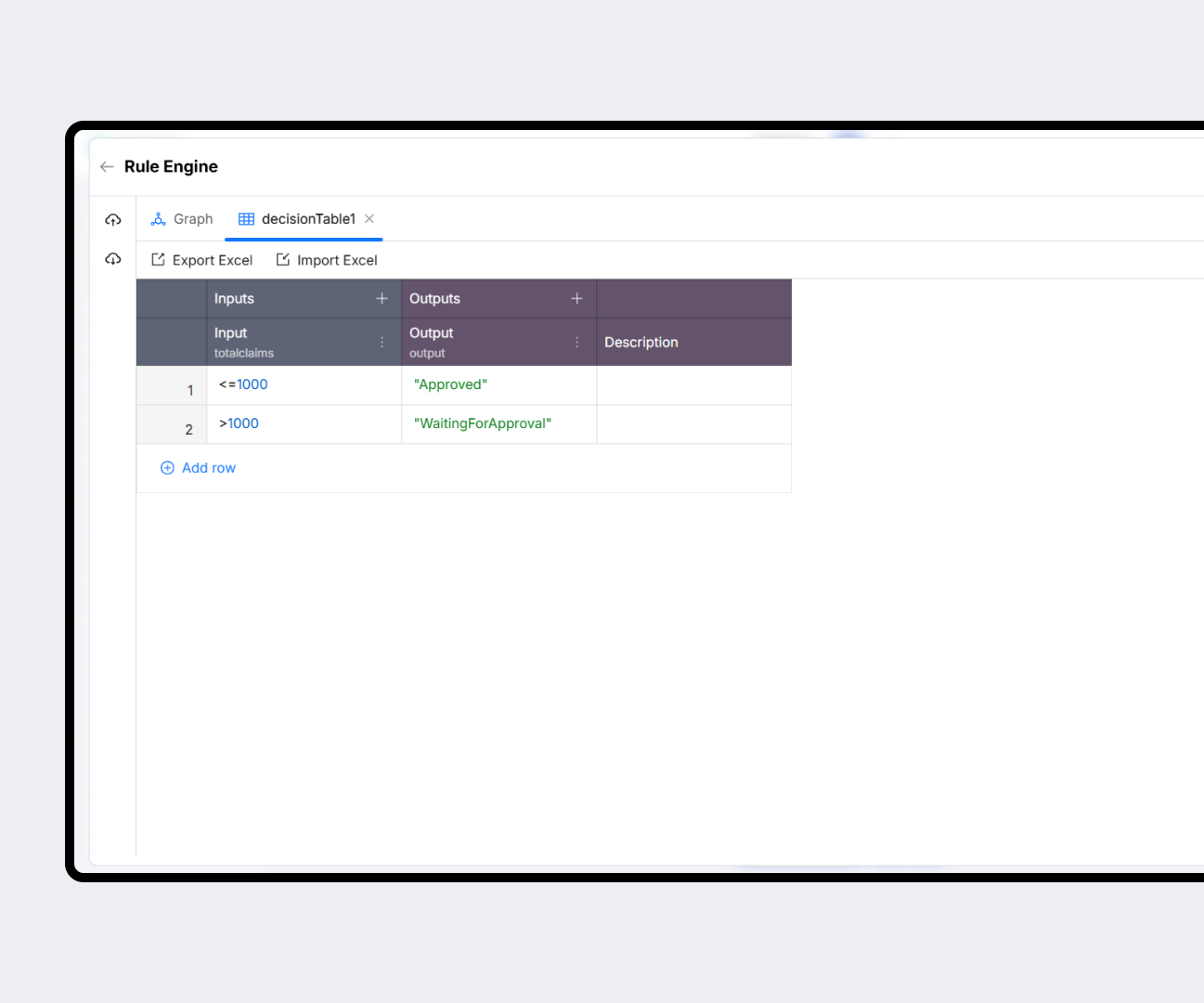
Process Fabric helps to enunciate specific workflows for the Mission Critical applications
Event Driven Workflow
Create event driven workflows enabling maker/checker workflow, trigger logical process, integration with internal /external systems
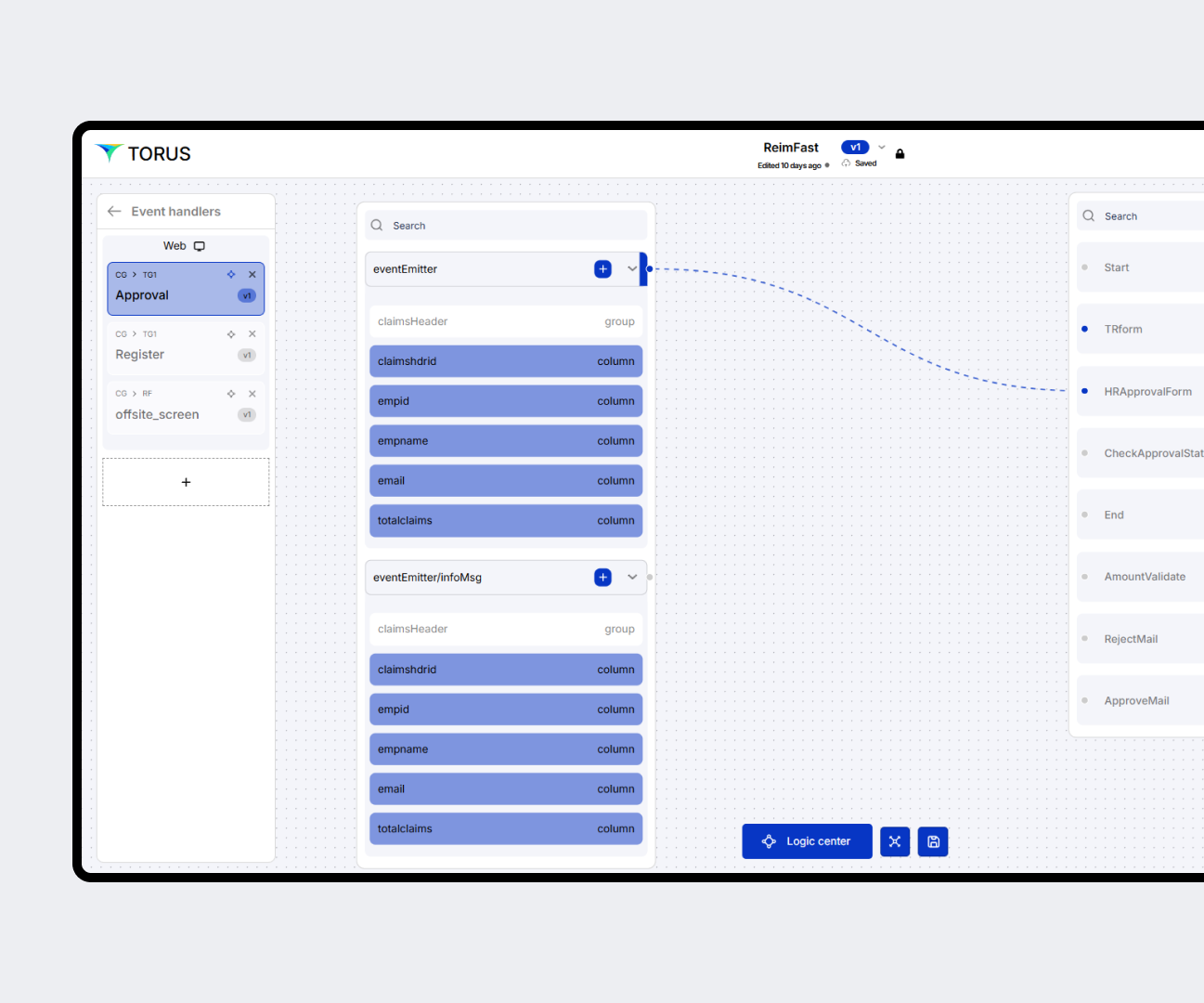
Debugging out of the box
Define your business processes and debug with break points, validate rules and conditions within the same development environment
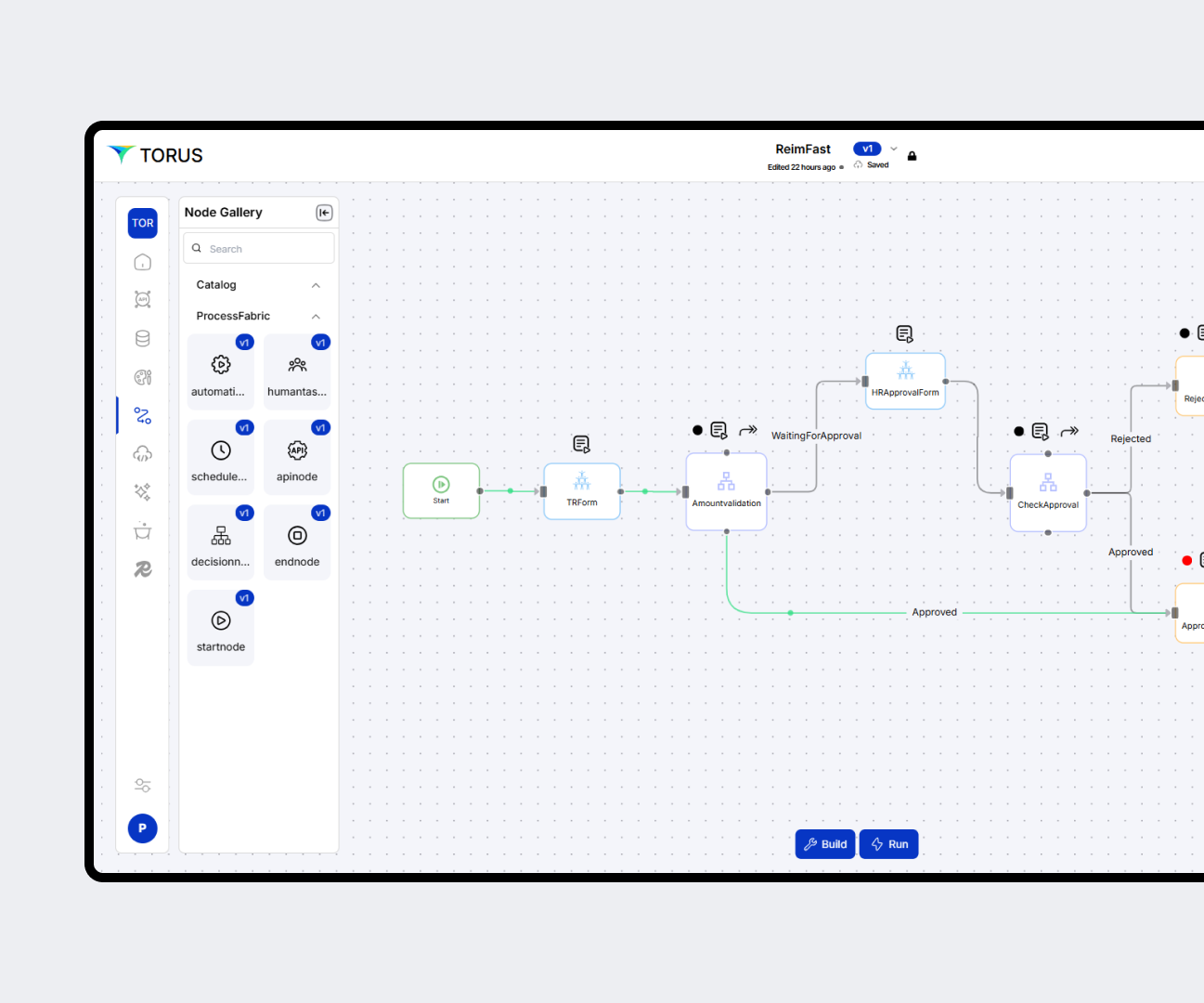
Orchestrate automation
Orchestrate automation with special provision to apply security, actions and custom code extensions for logic as required.
AUTOMATION & INTEGRATION FABRIC
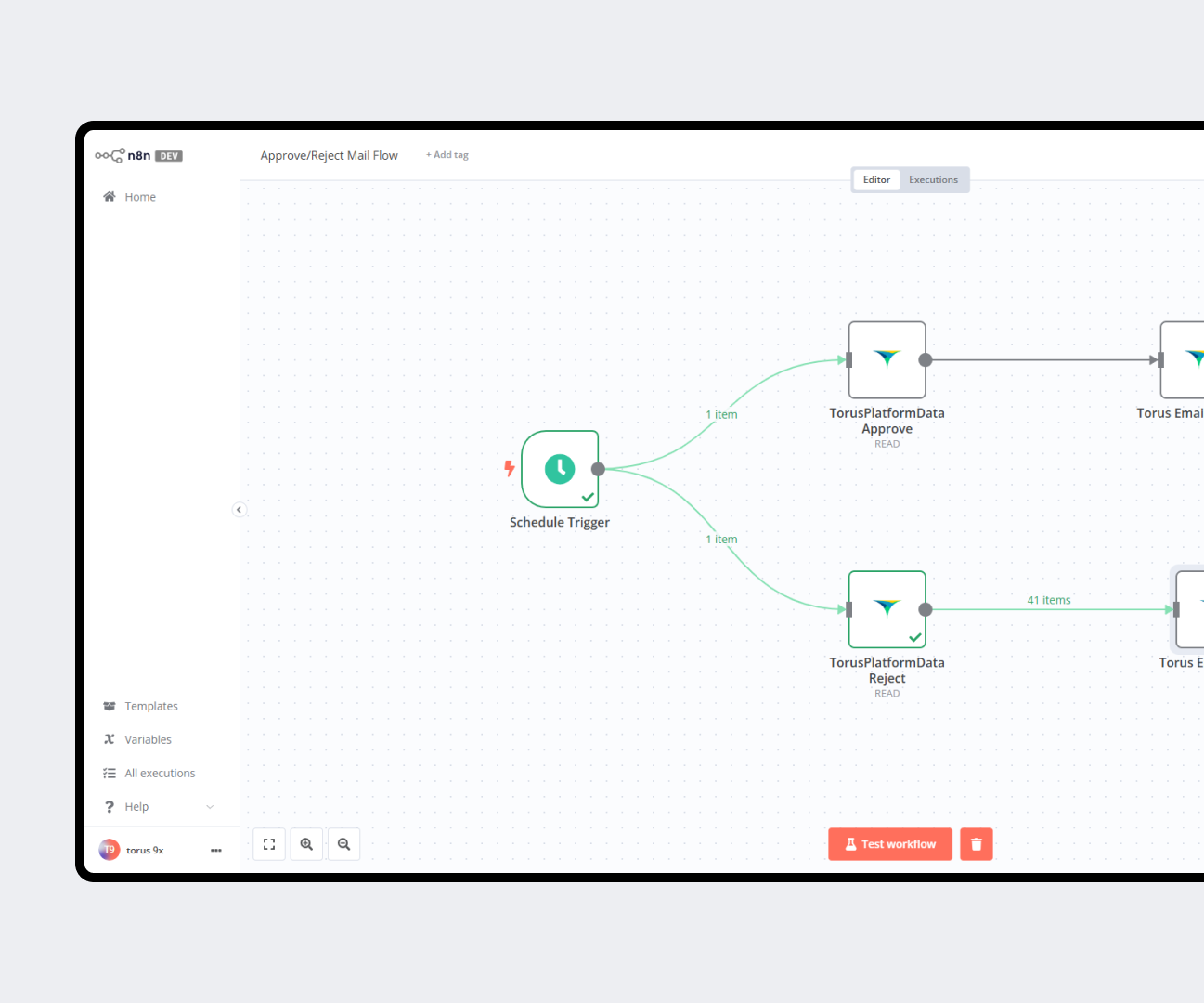
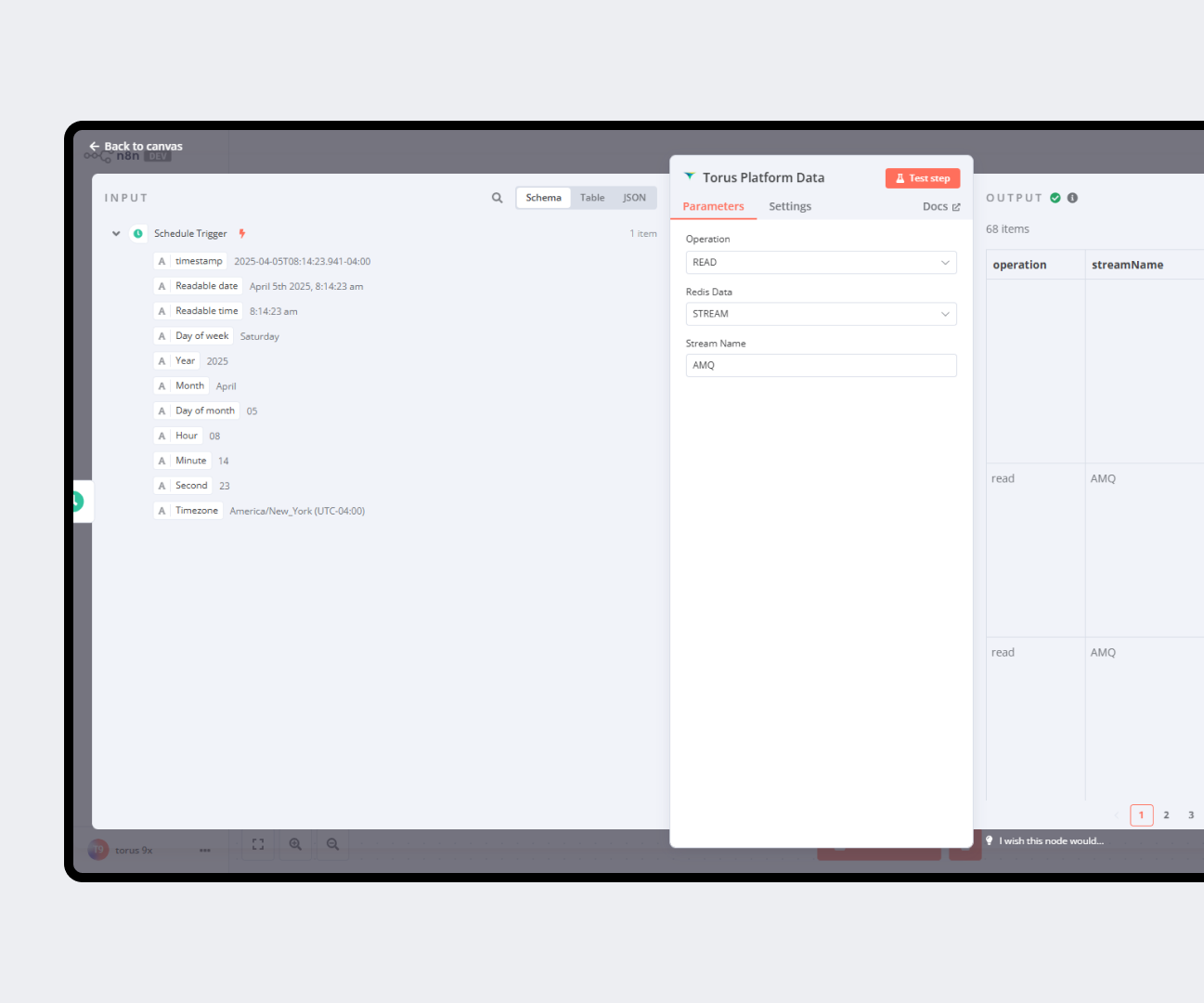
To ensure smooth integration into any organization's systems, Automation Fabric offers many ready-to-use connectors like SMS, Email, Slack, Teams, Snowflake, SAP ERP, and more.
Ready to consume integration connectors
Torus offers numerous ready to use integration connectors by connecting with partner platforms that can be availed as an add-on.
Seamless co-existence
The Torus process engine and Automation & Integration engine are seamlessly connected to work with all the fabrics of Torus.
DEPLOYMENT FABRIC
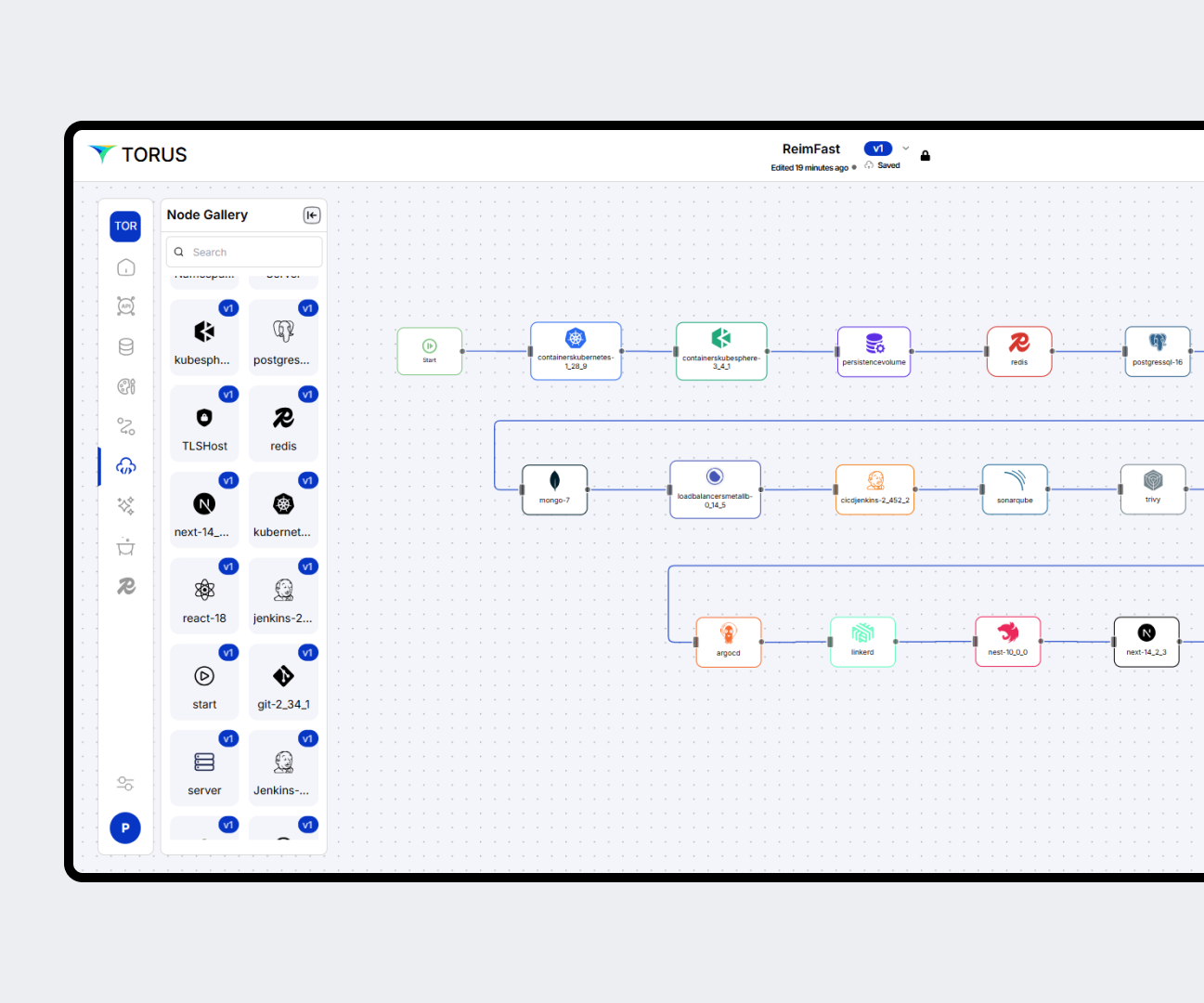
Create CI/CD pipelines for On-premise and Cloud through simple configuration-based diagrams.
Environment Creation
Create environments in one click with drag-and-drop node properties.
Custom deployment flows
Integrate code quality, security scanning, and deployment seamlessly.
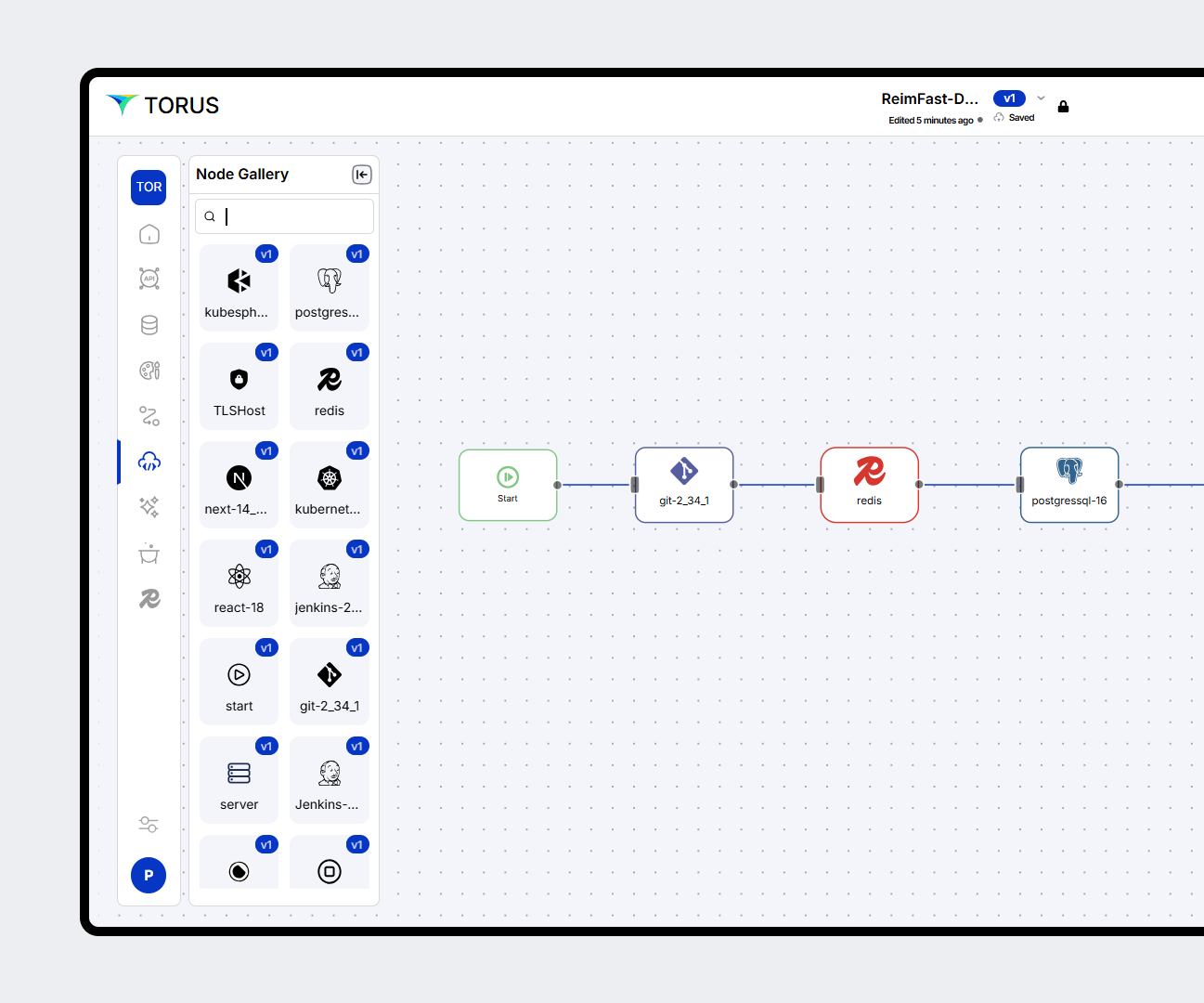
Heterogeneous pipeline promotion
Promote across Dev (on-prem) and QA (cloud) using connected flows.